
Side project · free
PioTime
What's inside?
Start free in the browser (opens in a new tab)
This opens the web app in your browser with its own entries, not your App Store app. To sync the two, pair them with a QR code.
Quick buttons & timer
Buttons for your most frequent durations, or a built-in timer, one tap is enough.
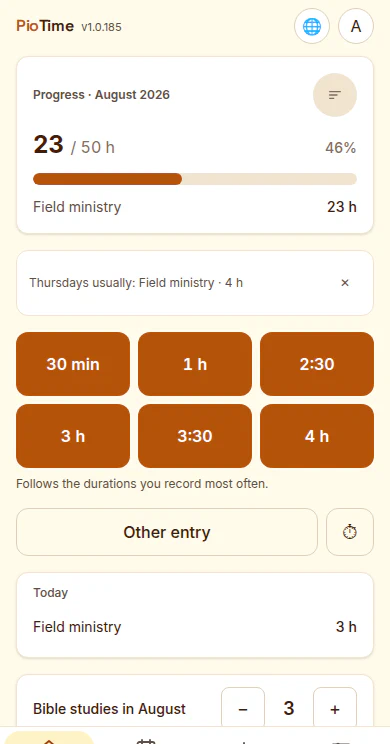
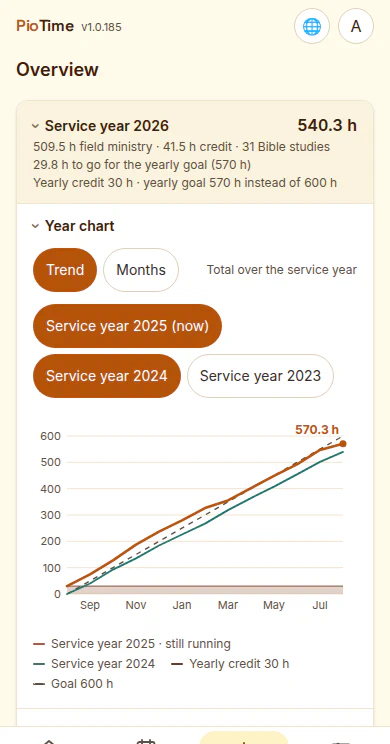
Monthly goal, service year & credits
A progress bar for the monthly goal (50, 30, 15 hours or your own), a service-year overview with credits and monthly totals.
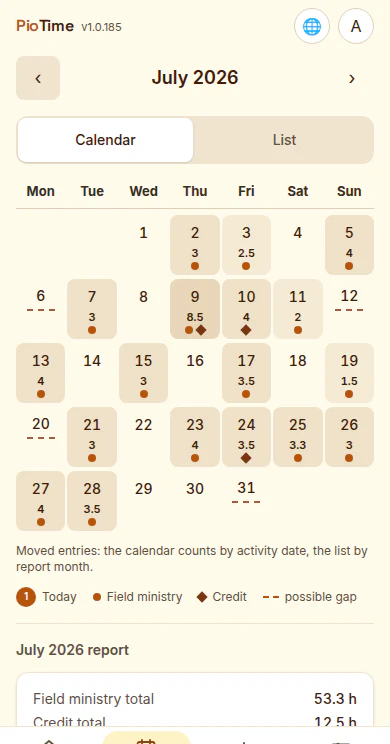
Calendar & list
Every month as a calendar or as a list, including a hint at possible gaps.
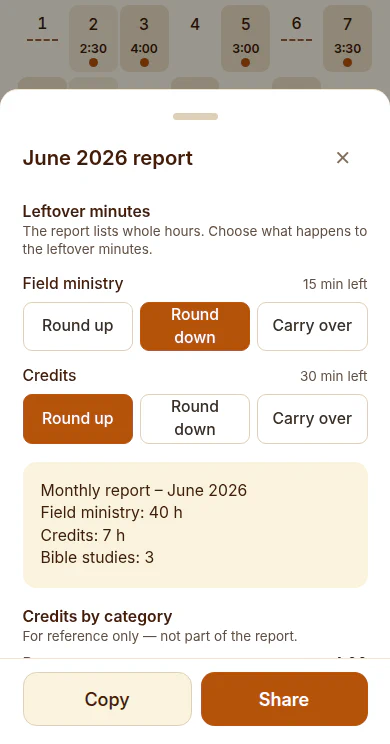
Monthly report & leftover minutes
Count Bible studies per month, round leftover minutes up or down or carry them over to the next month, then copy or share the finished report.
Want to try it?
PioTime runs in the browser and installs to your phone — or you can get it for iPhone and iPad from the App Store. To have a look around, the start screen offers a demo with sample data.
Open the app (opens in a new tab) PioTime on Instagram (opens in a new tab)
This opens the web app in your browser with its own entries, not your App Store app. To sync the two, pair them with a QR code.
 Omnido
 Wortex
 Shift